
Family security
How to secure your family’s phones, accounts and home Wi-Fi
Practical family cybersecurity in Pakistan: account recovery, first phones, router settings and shared habits that protect a connected household.
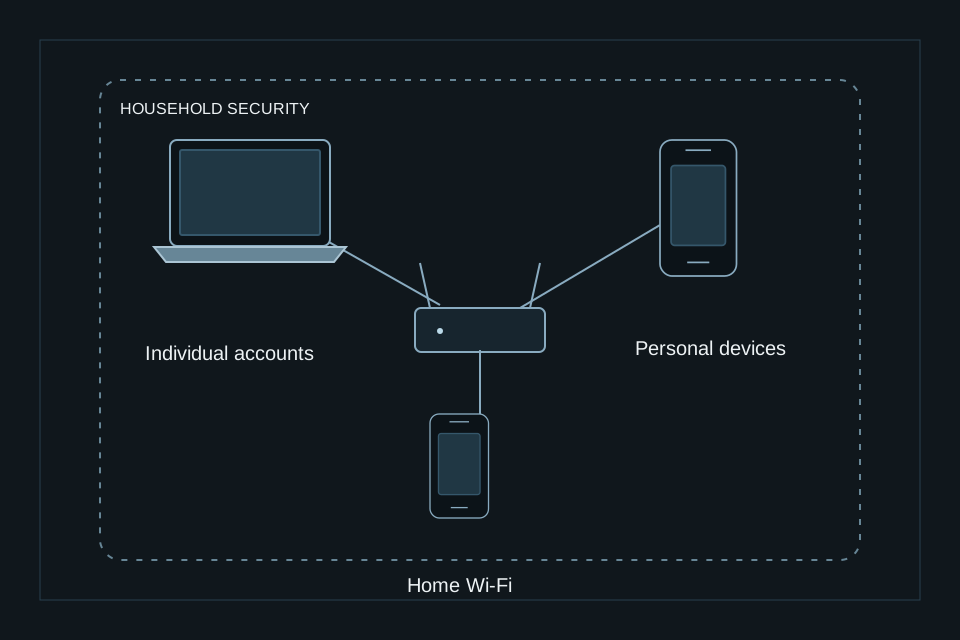
The family is a connected environment
A shared tablet, a school account and a relative’s social profile can reveal different parts of the same private life. Family cybersecurity starts by understanding those connections. It should support independence and trust, with safeguards appropriate to each person’s age and responsibilities.
Start with a conversation
Agree on the details the family keeps private: addresses, school routines, travel plans and identifying photographs. Explain how a friendly message can still be an attempt to gather information. Make it easy to ask for help without fear of punishment. A person who reports a mistake early gives everyone more options.
Give everyday devices a clear owner
Keep an inventory of phones, tablets, computers and connected home devices. Decide who maintains updates, who can install applications and who holds the recovery information. Use separate accounts where practical so one person’s access does not automatically expose another person’s information.
Build a shared response plan
Agree how to verify an unusual request from a family member. Use a familiar contact method rather than a number provided in the suspicious message. Keep recovery information somewhere accessible to the right people. Include trusted staff in the parts of the plan relevant to their role.
Review as life changes
A new school, a first smartphone or a change in household staff can alter the family’s exposure. Revisit the arrangements at these moments. The objective is a set of habits the family can live with, supported by technical controls and a clear route to help.
Secure the account that resets everything else
Identify the email account used to recover important logins. Give it a unique password and a stronger verification method supported by the provider. Store recovery material separately from the device it is meant to recover. Each adult should understand the arrangement for their own accounts; avoid a single shared password used by the whole household.
When a device is shared, separate user profiles where supported can make ownership clearer. Agree what happens when a child needs help signing in, when a device is replaced and when someone who previously helped administer it no longer has that role.
Treat the router as part of the household
Check the router's security settings using the manufacturer's instructions or your internet provider's support. Use WPA3 Personal where supported, or WPA2 Personal where needed for compatibility. Change the router administration password as well as the Wi-Fi password; they serve different purposes. Keep router software updated.
Use a guest network for visitors where the equipment supports isolation. Review remote administration and convenience features such as WPS rather than leaving them enabled without a reason. Before changing a setting, understand which home systems depend on it and record how to restore the configuration if needed.
Make a first-phone agreement
A child's first phone is a chance to agree practical boundaries together. Discuss public photographs, location sharing, unfamiliar requests and who to approach when something feels wrong. Select age-appropriate settings and explain them. A secretive surveillance arrangement can undermine the trust needed for early reporting.
Try a short practice exercise: a message claims a parent needs an urgent account code. The child should stop and verify through the agreed route. The goal is an understandable habit, not expecting a child to investigate threats or protect an adult's accounts.
A useful monthly review
Choose a manageable review: check pending updates, confirm recovery contacts still work, remove access that is no longer needed and ask whether any unusual requests were received. Review who can administer connected cameras or household devices. Keep a simple inventory, not a spreadsheet full of passwords.
For a larger household, agree which tasks belong to family members and which can be handled by trusted support. Changes in staff, travel or school routines are useful moments to revisit the plan. CyberImperials can discuss family and home protection as part of an agreed personal security relationship.
Explore personal cyber security services or request a confidential consultation.