
In today's interconnected world, your mobile devices serve as both productivity tools and primary attack vectors. For high profile individuals, standard device security measures are insufficient against determined adversaries employing sophisticated surveillance and exploitation techniques.
This comprehensive guide provides enterprise grade hardening protocols for iOS and Android devices, specifically designed to protect executives, their families, and high net worth individuals from targeted attacks.
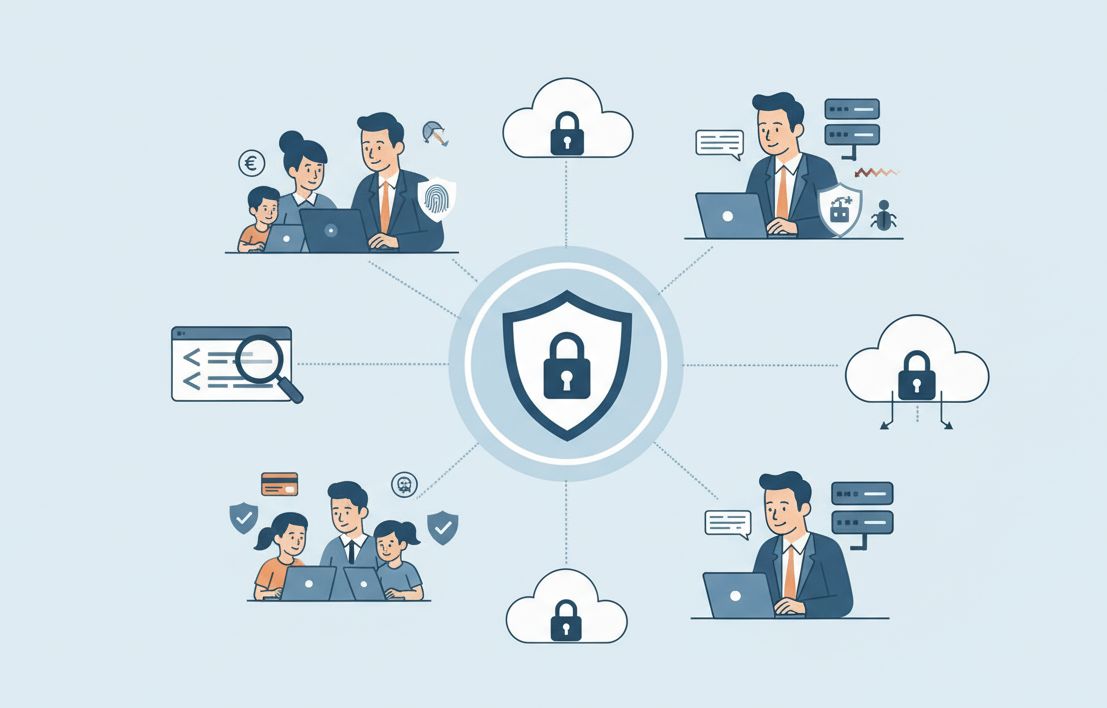
Standard Security
Basic password protection and app store downloads
Advanced Hardening
Multi layer security with threat monitoring
Understanding the Threat Landscape
High profile individuals face unique mobile security threats that require specialized defensive strategies. These threats evolve constantly, requiring ongoing vigilance and adaptation.
Primary Attack Vectors
Sophisticated adversaries target mobile devices through multiple channels: zero day exploits in mobile operating systems, malicious applications disguised as legitimate software, network based attacks on public WiFi, and social engineering campaigns designed to trick users into compromising their devices.
Most Common Threats
- Pegasus style spyware: Advanced surveillance software that can monitor all device activity
- SIM swapping attacks: Social engineering to transfer your phone number to attacker controlled devices
- Zero click exploits: Malware that installs without any user interaction
- Malicious applications: Compromised apps that steal data or provide backdoor access
- Network interception: Man in the middle attacks on insecure networks
iOS Device Hardening Protocol
Apple iOS Security Foundation
Comprehensive hardening for iPhones and iPads
Biometric Authentication Setup CRITICAL
Enable Face ID or Touch ID with attention awareness features. Configure require attention for Face ID to prevent unauthorized access while sleeping or unconscious. Set up alternate appearance for consistent recognition.
Passcode Security Enhancement
Implement custom alphanumeric passcode with minimum 12 characters. Disable simple passcodes and configure device to erase after 10 failed attempts. This provides protection against brute force attacks and physical device theft.
Privacy and Location Services
Review and restrict location services for each application. Disable significant locations and system customization. Configure precise location only for essential applications like maps and emergency services.
Application Permissions Audit HIGH
Systematically review and restrict application permissions. Remove unnecessary access to microphone, camera, contacts, and photos. Implement least privilege principle for all installed applications.
Android Device Hardening Protocol
Android Enterprise Security
Advanced protection for Android smartphones and tablets
Device Encryption Verification CRITICAL
Verify full device encryption is enabled and functioning. For devices supporting it, enable file based encryption for additional protection. Ensure encryption covers both internal storage and external SD cards.
Google Play Protect Configuration
Enable enhanced Google Play Protect with real time scanning. Configure automatic threat detection and regular security scans. Disable installation from unknown sources to prevent sideloading of malicious applications.
Biometric and Smart Lock Settings
Implement strong biometric authentication with fingerprint or facial recognition. Disable Smart Lock features that automatically unlock devices in trusted locations or when connected to specific devices.
Developer Options Security
Disable USB debugging when not actively needed for development. Turn off OEM unlocking to prevent bootloader manipulation. Review and restrict background process limits and other developer features.
Professional Device Hardening Service
Our security engineers provide comprehensive device hardening services, including initial configuration, ongoing monitoring, and emergency response for compromised devices.
Schedule Device Security AssessmentNetwork Security Configuration
Device security extends beyond the physical device to include network connections and communication channels. These configurations protect against network based attacks.
VPN Implementation HIGH
Configure enterprise grade VPN for all network connections, especially on public WiFi. Use certificate based authentication rather than username and password. Implement always on VPN for consistent protection.
WiFi and Bluetooth Security
Disable automatic connection to open WiFi networks. Forget untrusted networks to prevent automatic reconnection. Turn off Bluetooth when not actively using it to prevent unauthorized access.
DNS Over HTTPS Configuration
Implement DNS over HTTPS or DNS over TLS to encrypt DNS queries and prevent manipulation. Use trusted DNS providers with strong privacy policies and security features.
Application Security Management
Careful management of installed applications significantly reduces attack surface and prevents data leakage.
Application Vetting Process
Before installing any application, research the developer's reputation, review requested permissions critically, check for recent security incidents, and consider whether the functionality justifies the security risk. For high sensitivity activities, prefer web applications over installed apps when possible.
Essential Security Applications
- Password manager: For secure credential storage and generation
- Encrypted messaging: Signal or similar for sensitive communications
- VPN client: Enterprise grade with kill switch functionality
- Authentication app: For multi factor authentication codes
- Security scanner: For periodic device health checks
Family Device Management Strategy
Extending security protocols to family members requires careful balance between protection and usability, with age appropriate configurations for children and less technical family members.
Child Device Configuration
Implement strict content filtering and application restrictions for children's devices. Use family sharing features to monitor and control purchases and downloads. Establish clear usage guidelines and regular review procedures.
Family Security Education
Conduct regular security awareness sessions tailored to different age groups and technical proficiency levels. Teach family members to recognize phishing attempts, social engineering, and other common threats.
Emergency Response Protocols
Establish clear procedures for lost or stolen devices, including immediate remote wipe capabilities. Ensure family members know how to report suspicious activity and who to contact in security emergencies.
Ongoing Maintenance and Monitoring
Device security requires continuous attention as new threats emerge and usage patterns change. Implement these maintenance practices for sustained protection.
- Monthly security reviews: Comprehensive device security audits
- Immediate updates: Prompt installation of security patches
- Application audits: Regular review of installed applications and permissions
- Backup verification: Regular confirmation that backups are current and secure
- Threat intelligence: Staying informed about new mobile security threats
Travel Security Considerations
When traveling, especially to high risk locations, implement additional security measures: use loaner devices when possible, avoid connecting to hotel and airport WiFi without VPN, disable all wireless radios when not in use, and be aware of physical surveillance risks. Consider device encryption and remote wipe capabilities essential for international travel.
When to Seek Professional Assistance
While many device hardening measures can be implemented independently, high profile individuals should consider professional security services when:
- You have experienced previous security incidents or suspect compromise
- Your position makes you a high value target for sophisticated adversaries
- You manage multiple family devices with varying security requirements
- You frequently travel to high risk locations
- You require enterprise grade security with ongoing monitoring
Advanced device hardening transforms your mobile devices from vulnerabilities into secure tools that enhance rather than compromise your digital security. By implementing these enterprise grade security measures, you significantly reduce your attack surface while maintaining the functionality essential for modern executive life.
Remember that device security is not a one time configuration but an ongoing process that adapts to new threats and changing usage patterns. The peace of mind that comes from knowing your devices are properly secured allows you to focus on your responsibilities without digital security concerns.